How to Redeem an Xbox Gift Card Code: Step-by-Step Guide
September 2, 2026
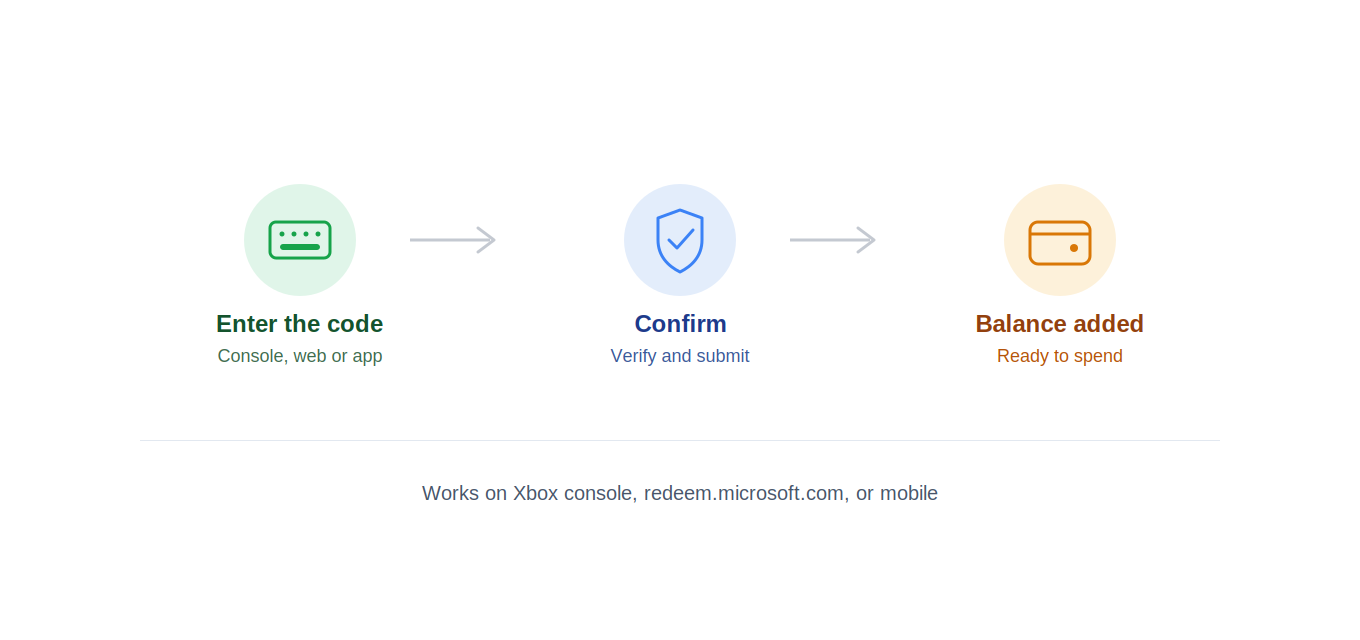
Got an Xbox gift card code and need to know where it goes? This covers every redemption method — Xbox console, the web, and mobile — plus fixes for the most common errors.
If you don't have a code yet, see our guide on how to get free Xbox gift cards first, including how XPReward turns points into real Xbox Store credit.
How to Redeem an Xbox Code on Console
Turn on your Xbox and sign in to your account.
Press the Xbox button to open the guide.
Go to My games & apps → See all → Store, or select the Store tile directly from the home screen.
Select your profile icon in the top-right corner.
Choose Redeem from the menu.
Enter the 25-character code exactly as printed (dashes auto-format as you type), then select Confirm.
Your balance updates instantly. Check it under Profile & system → Settings → Account → Payment & billing.
How to Redeem an Xbox Code on the Web
Go to redeem.microsoft.com.
Sign in with the Microsoft account you want the credit added to.
Enter the code and select Next, then confirm.
Fastest method if you're not near a console — credit syncs to your account across Xbox, Windows, and mobile.
How to Redeem an Xbox Code in the Mobile App
Open the Xbox app on iOS or Android.
Tap your profile picture.
Tap Redeem a code.
Enter the code and confirm.
How to Redeem an Xbox Code on Windows (Microsoft Store)
Open the Microsoft Store app.
Click your profile icon → Redeem a code or gift card.
Enter the code and confirm.
Common Redemption Errors and Fixes
"This code isn't valid" — check for confused characters (O vs 0, I vs 1).
"Not available in your region" — codes are region-locked to your Microsoft account's region; this can't be fixed by re-entering.
"Already used" — each code is single-use; if you're sure you haven't redeemed it, contact whoever issued it.
Balance not updating — sign out/in, or check on another device; occasional short sync delay.
FAQ
Do Xbox codes expire? Most list an expiration 1–2 years from issue — redeem promptly.
Can I redeem without a console? Yes — web, mobile app, or Microsoft Store on Windows all work.
Does it need my Microsoft password given to a third party? No — you always redeem directly through Microsoft, using your own login.
Can I combine multiple codes? Yes — each stacks onto your account balance.
Don't have a code yet? Earn free Xbox gift cards with XPReward — sign up free, complete surveys and offers, redeem for real Xbox Store credit.